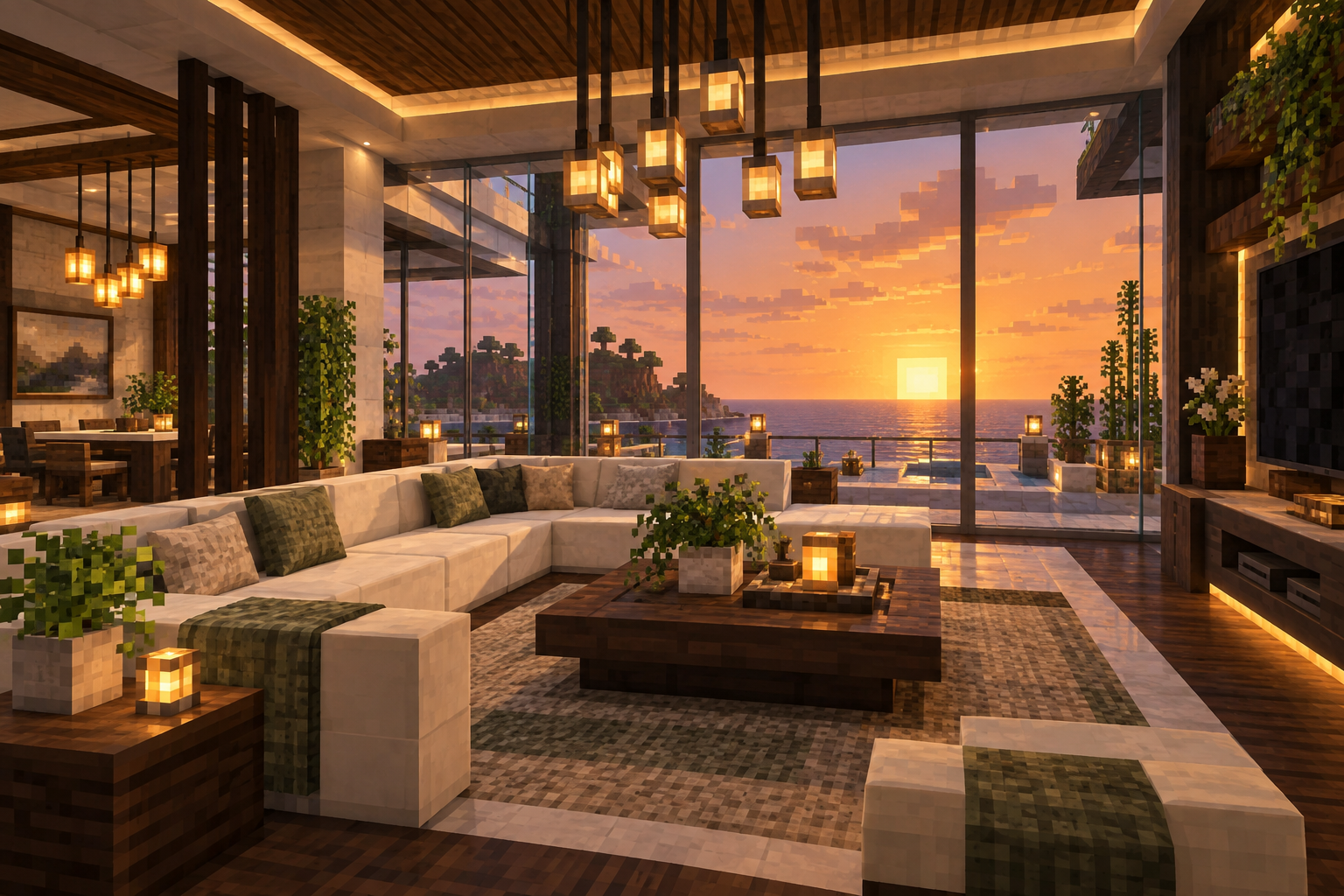
MAKE YOURSELF AT HOMEFrom first shelter
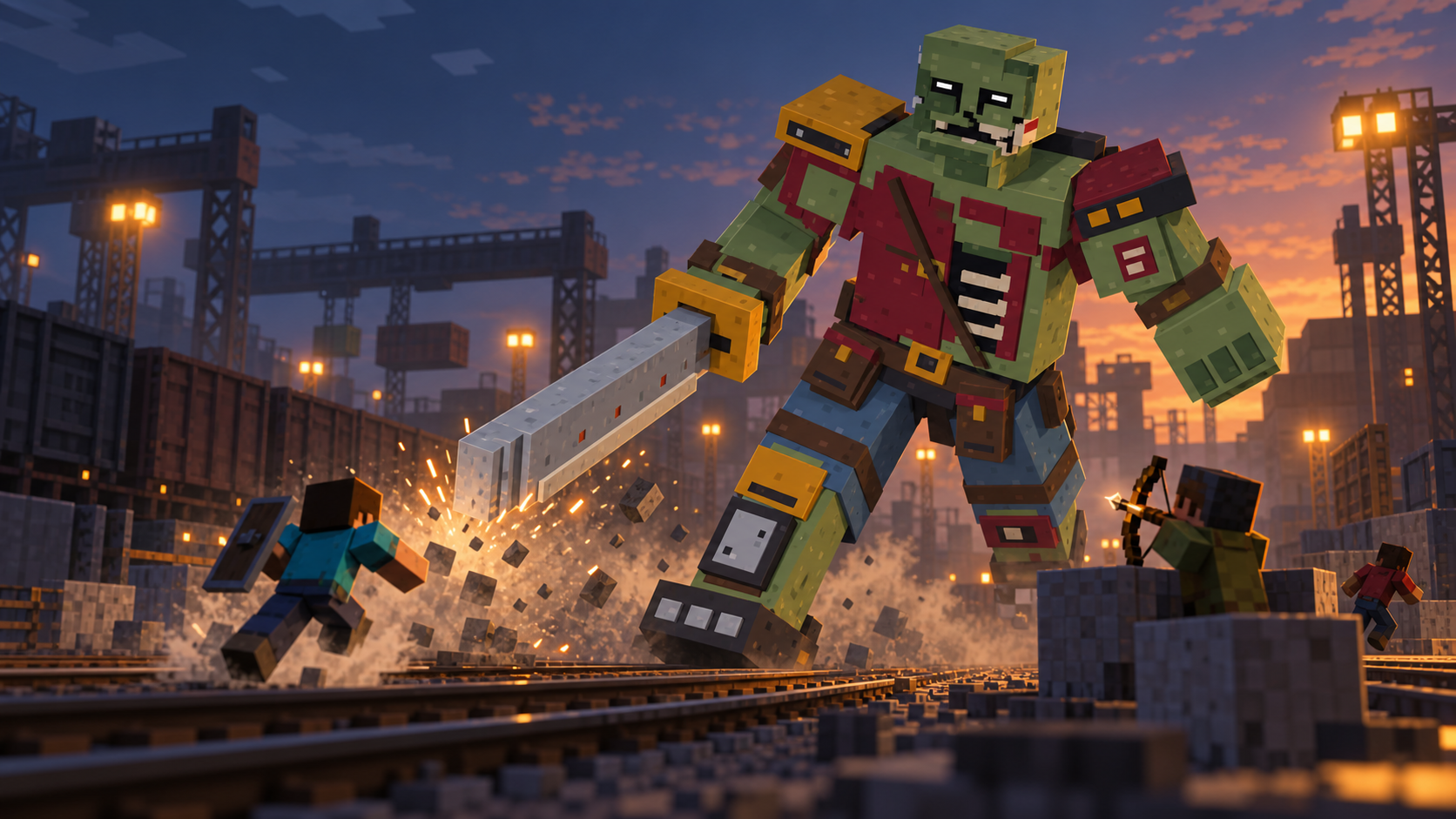
Build a life. Take the back roads. Pick a fight with something much bigger than you.
Custom survival modpack · Public beta
01 / THE WORLD
There’s a whole life between the fights. Make a home, build your setup, and see where the road takes you.
Roads, drivable cars, and MotorWorks Customs. Your next destination is more than a teleport away.
Linked storage, smart lights, cameras, and a phone that puts your setup within reach.
Custom weapons and towering encounters. Build, prepare, and head out with your crew.
Penthouse image: AI-generated concept artwork, not an in-game capture. Features and visuals may change during the beta.
02 / BEYOND THE CITY
The server is open for players with the matching pack. Here’s what’s in the beta, and what still needs testing or setup.
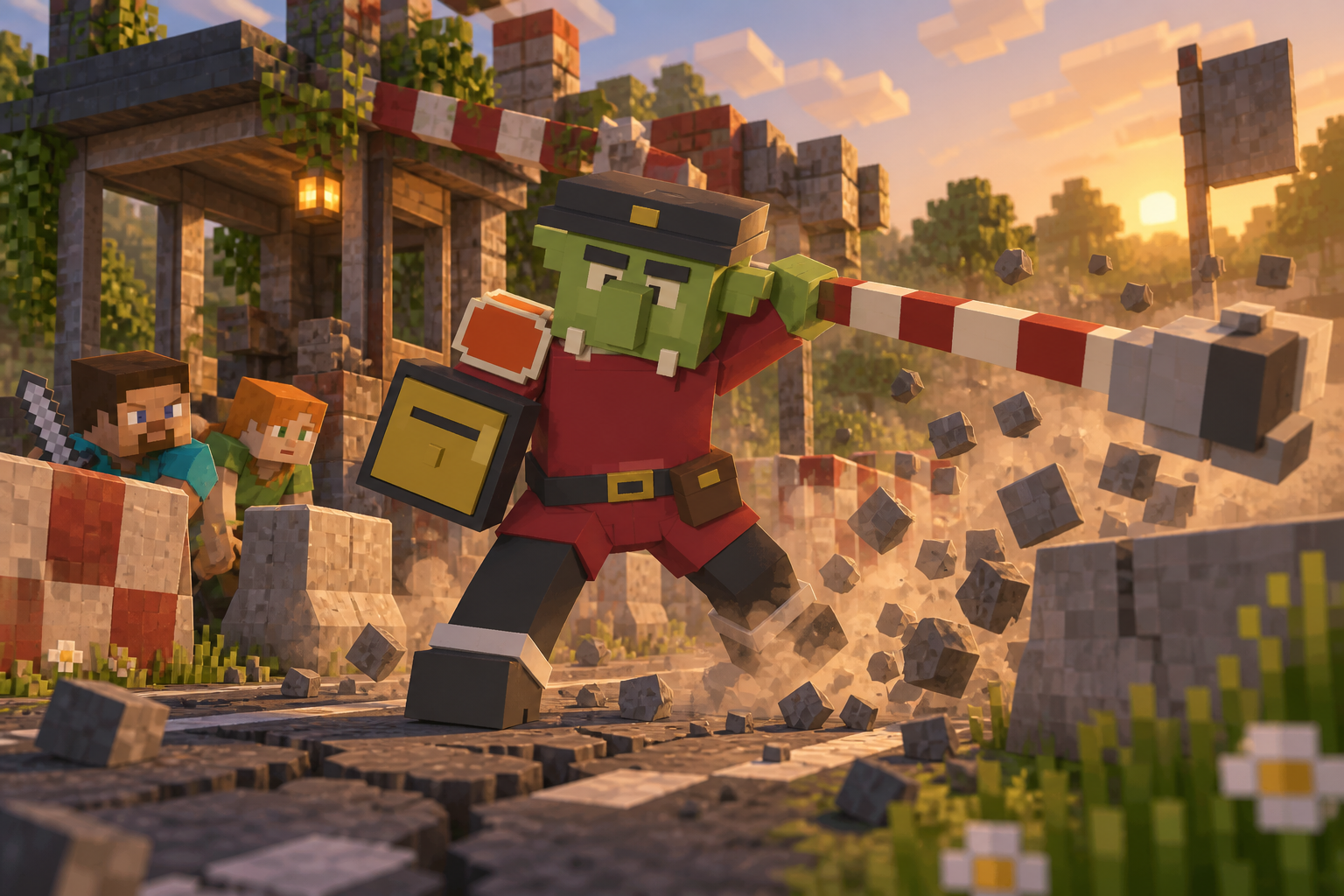
Tollkeeper · AI-illustrated battle, not an in-game capture.
A custom quest journey through the Overworld, Nether, and End, with 22 implemented campaign bosses. The current release is in beta; difficulty and reward checks continue.
Go deeper. Find out what’s still moving beneath you. Procedural cave floors, encounters, and personal loot bags. Bank a run or press on. Enter at the labelled pit beside The Highrise on the south side of the arrivals plaza.
Climb an industrial tower through furnished offices, machine halls, and transmitter floors. Eighteen custom enemies, five bosses, and security systems stand in the way. The north-facing spawn lift stands beside The Burial and requires your campaign unlock.
A three-to-six-player operation aboard VESPER. Five authored environments. Bring a crew. Discover the rest yourselves. Group playtesting is still needed; this is not a finished raid release.
A permanent sky-building dimension. Bring your own materials, build outward, and travel home with the same inventory. Start carefully: the void is real.
LAST STOP is a separate Zombies mode for one to four players. Open /zombies for the lobby or /zombies solo to start alone. Use a match kit, survive endless rounds, and upgrade weapons at AFTERBURN. Your survival inventory returns when you leave. Pacing, balance, and later-round performance are still being tested.
03 / YOUR FIRST SHIFT
One launcher. One pack.
Your own Minecraft account.
Free public beta—no whitelist application needed. Our Discord is now open for installation help, bug reports, and finding people to play with. Expect bugs and changes while we test.
Download Technic for Windows, macOS, or Linux from its official website. Open it and sign in with the Microsoft account that owns Minecraft Java Edition.
Get Technic Launcher Official Technic website · choose your operating systemIn Technic, open Modpacks and paste this exact link into the search box:
https://api.technicpack.net/modpack/nightshift-survival-beta
Select Nightshift Survival Beta, then click Install. Use the link if searching for “Nightshift” doesn’t find it.
Open Nightshift on TechnicIn Launcher Options → Java Settings, select 64-bit Java 17 and allocate 12 GB of memory on a computer with 16 GB or more RAM.
Technic is our preferred installation route. Prism, Modrinth and CurseForge import packages are also available. Modrinth marketplace publication and CurseForge custom-mod approval remain pending. Find the verified 2.8-r16 packages and launcher availability on pack downloads.
Click Play in Technic, then open Multiplayer. Select Nightshift from the server list. No whitelist application is needed. If the card is missing, add nightshifts.online.
Nightshift never asks for your Microsoft password. There’s no payment required to join, and no donation checkout is open.
*Start here on a computer with 16 GB or more system RAM. First launch can take a few minutes.
04 / THE ESSENTIALS
You need Java Edition on your own Microsoft account. Bedrock alone won’t work. Sign in through Technic Launcher, not this website.
Your password stays with Microsoft.Get Technic Launcher, add Nightshift Survival Beta, and install the pack.
Use the exact pack link in the steps above.Windows, macOS, or Linux. Allocate 12 GB for the game on a computer with 16 GB or more RAM; leave the rest for your system.
Java 17 · First launch takes a few minutes.WE’LL KEEP THE LIGHTS ON.
SEE YOU ON